The quality of your AI avatar depends heavily on the input photo. Follow these tips to get stunning results every time.
Lighting is Everything
Natural, diffused light produces the best AI avatars. Face a window during daytime for soft, even illumination. Avoid harsh overhead lights that create unflattering shadows under your eyes and nose. Golden hour (the hour after sunrise or before sunset) gives a warm, professional look. Never use direct flash, as it flattens features and creates red-eye.
Camera Position & Angles
Hold your camera at eye level or slightly above for the most flattering angle. A slight head tilt adds dimension. Keep the camera at arm's length or use a selfie stick for a natural perspective. Avoid extreme close-ups that distort facial features. The AI works best when your entire face and some of your shoulders are in frame.
Background & Composition
While AI can transform backgrounds, starting with a clean, uncluttered background helps the AI focus on your face. Solid colors or simple textures work best. Make sure nothing appears to be "growing" from your head (poles, plants, etc.).
Expression & Pose
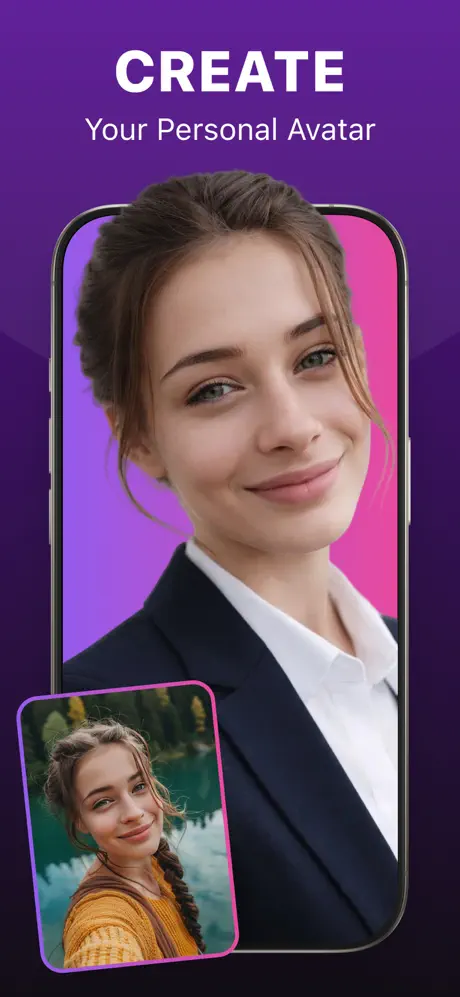
A natural, relaxed expression produces the most versatile AI avatars. Genuine smiles always look better than forced ones. If you want professional headshots, try a slight smile with relaxed eyes. For creative avatars, experiment with different expressions -- the AI adapts your expression to the chosen style.
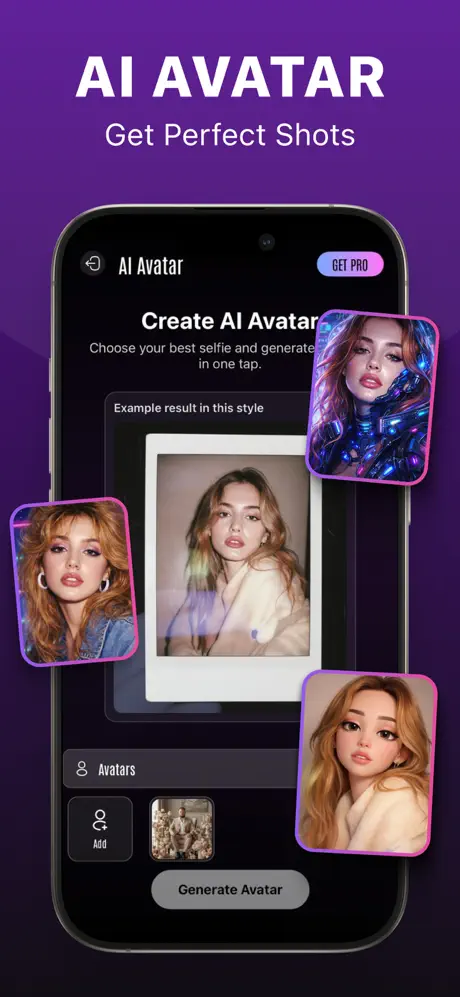
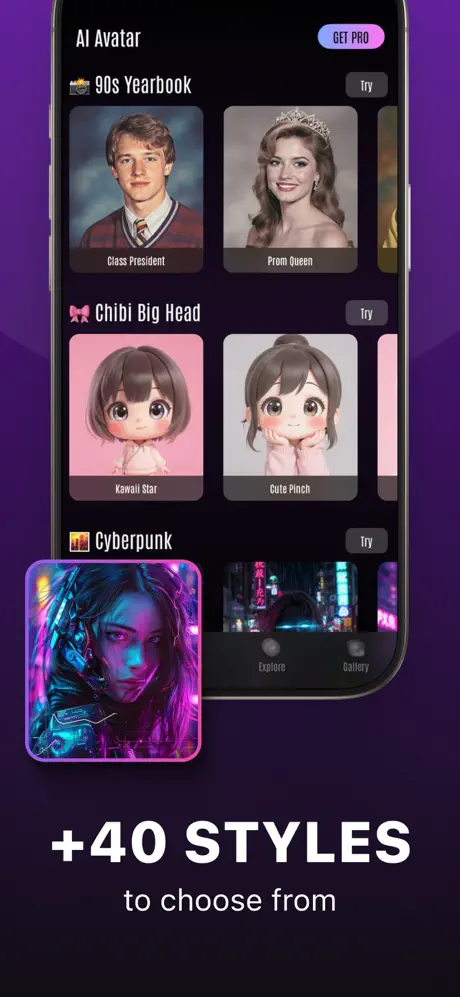
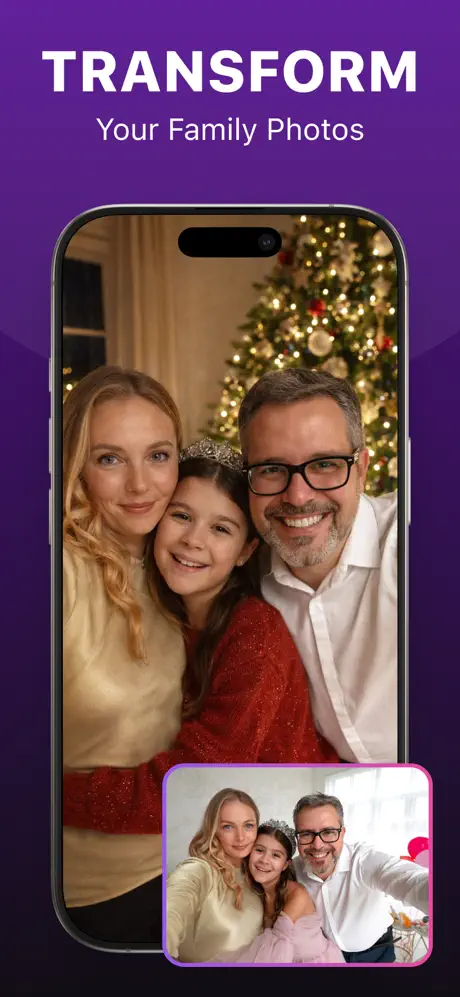
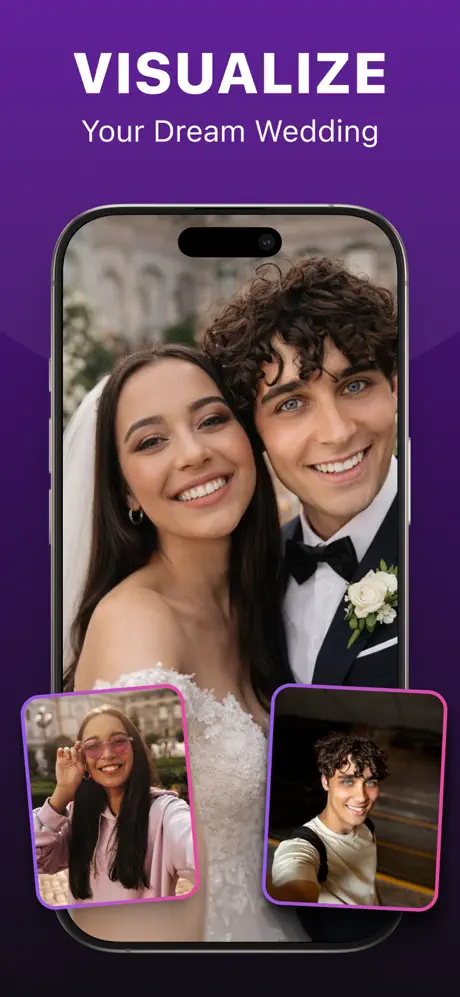
Upload your best selfie to an AI avatar generator and watch it transform into professional portraits, artistic styles, and creative characters while maintaining your likeness.